· 8 min read
Beyond Shipping: How to Keep Your Low‑Code Solutions Healthy
Beyond Shipping: How to Keep Your Low‑Code Solutions Healthy
Raise your hand if you’ve ever inherited someone else’s Power Automate flow and had no idea what it did. Last week together with Daniel Laskewitz we talked about Beyond Shipping: How to Keep Your Low‑Code Solutions Healthy. At the European BizzApps Summit we experienced lots of energy, and conversations you only get with people who are actually building things with the Power Platform.
We are very good at shipping solutions on the Power Platform. Apps get built quickly. Flows get automated. Stakeholders are happy. But three months later someone needs to change something. Now the maker moved teams, some flow has 47 actions and most variables are named varTemp1, varTemp2, and varTemp3. And there’s a step called DO NOT DELETE – NO IDEA WHAT THIS DOES.
At that point, shipping wasn’t the hard part.
We used the same the same outline as the book Building Maintainable Software, but translated it into the Power Platform world. The talk was about how to keep solutions healthy over time. Because building it is one thing, maintaining it is another.
Shipping Is the Beginning
The first version of a solution is never the last version, Apps evolve. Processes change. Data models grow. A canvas app that started with three screens suddenly has fifteen. A small flow grows into something that looks like a subway map, and that’s normal.
Traditional software development has decades of experience here. Patterns, principles, books. For Low‑code we often don’t talk about it.
A Framework From Traditional Software
The framework comes from the book Building Maintainable Software by the Software Improvement Group (SIG). They studied thousands of software systems and asked a simple question:
What makes software easier to maintain over time? Their answer is surprisingly practical: 10 simple guidelines.
Me and Daniel debated a lot about how to translate those guidelines into the Power Platform world and gave it a stab to see if it resonates with the community. The talk was very well received, and I hope this article can be a useful reference for makers who want to build solutions that not only ship fast but also stay healthy over time.
Three Principles to Keep in Mind
1. Simple guidelines beat silver bullets
There is no tool that magically fixes maintainability.
- Not Copilot.
- Not a framework.
- Not a governance document.
What actually works is consistent habits. Small practices. Repeated every time you build something.
2. Start from day one
Maintainability is not something you fix later. Every publish either improves your solution or degrades it. So start with version one, and think about the next person who will inherit it.
3. Be proportional
Not every app needs enterprise architecture from day one. Sometimes a quick canvas app is fine. Sometimes you need a full solution architecture.
As always in IT: It depends. 🤷
Guidelines for Healthy Low‑Code Solutions
#1 Keep Formulas Short
In traditional code the rule is simple: A function shouldn’t exceed about 15 lines.
In Power Platform the equivalent is your Power Fx formula. If you have to scroll to read the whole thing, it’s probably doing too much.
For example, a typical button OnSelect might do:
- validation
- data updates
- UI state changes
- notifications
- resets
All in one expression, That works, until someone needs to change it. A better approach is to split logic into smaller named pieces. Named formulas, variables, or helper flows. The rule is simple: One formula. One clear intent.
#2 Keep Logic Simple
Length is one thing, complexity is another. You can have a short expression that is still very hard to read.
A classic example in Power Automate is deeply nested conditions. You start with one condition, and then you need to check another thing inside the “Yes” branch, so you add another condition. And then another one. Three levels later nobody remembers what the branches mean.
Often a Switch action works better, it is the same logic, but it’s visually easier to understand as all branches are visible at once.
That makes a huge difference when someone needs to change it later.
#3 Build Once, Reuse Everywhere
Copy‑paste is very tempting in low‑code, duplicate a screen, copy a flow, or just copy a formula. It’s fast, and it works. But it creates maintenance nightmares.Especially when the business rule changes.
Now you have three versions of the same logic, and one of them will eventually be forgotten.
In Power Platform there are better options:
- Canvas component libraries
- Child flows
- Environment variables
Are all tools that encourage reuse and single sources of truth. Environment variables are especially important. Hard‑coded URLs or API keys are one of the most common sources of broken solutions when moving between environments, keep in mind that you should have one place for configuration. That alone saves a lot of headaches.
#4 Keep Interfaces Small
This one is more architectural: If a component or child flow needs ten or fifteen input parameters, something is wrong. That usually means it’s doing too many things.
Good interfaces are:
- small
- clear
- focused
For example a child flow might return:
- a status
- a record ID
- or a result object
Not fifteen different values. Smaller interfaces make components easier to reuse and understand. They also make it easier to change the implementation later without breaking everything that depends on it.
#5 Separate Concerns
A common mistake in Power Platform is putting everything in the canvas app.
- UI logic
- Business rules
- Data validation
- Process automation
All in one place, while making the app harder to maintain. A healthier split is:
- UI logic → Canvas app
- Data rules → Dataverse
- Process automation → Power Automate
Dataverse business rules are a good example. If a field must follow a rule, define that rule in Dataverse and not in the UI of the app. By doing so every app gets the same behavior automatically.
#6 Loosely Coupled Architecture
This guideline moves from apps to architecture, but it’s still relevant for makers who are building solutions that go beyond a single app or flow. Components should interact through clear boundaries. In Power Platform the best boundary is often Dataverse. So instead of App → calls Flow directly you should use Dataverse as the middleman: App → writes record → Flow reacts to the change.
That is event‑driven architecture, the app doesn’t know about the flow and the flow just reacts to data. That makes systems easier to evolve over time.
#7 Balanced Architecture
Another interesting observation from the SIG research is that imbalanced systems are hard to maintain.
You often see this in Power Platform:
- one canvas app with 40 screens and very complex logic
- several tiny apps with almost no logic
- one huge flow that calls many tiny flows.
That imbalance concentrates complexity in one place, and makes it hard to find things. It also makes it harder to onboard new makers, because they have to understand the giant app or flow before they can contribute. A healthier model is something like:
- Requests
- Approvals
- Reporting
- Admin
Each as its own component with roughly similar scope. And if you use a hub‑and‑spoke model, keep the hub small. Navigation only. No business logic.
#8 Keep Your Codebase Small
This one might be my favorite. Just because it’s practical. The idea is simple: Don’t build what the platform already gives you.
Examples:
- Use model‑driven apps for CRUD scenarios
- Use Dataverse views and dashboards for reporting
- Use prebuilt connectors for integrations
- Use the Admin Center and new Admin API’s for governance
Every custom formula, app or flow you avoid is something you don’t have to maintain.
#9 Test and Monitor
Testing is still evolving in Power Platform, but there are already good tools. You can use the following tools to keep your solutions healthy:
- Solution Checker for static analysis
- Power Platform Pipelines for controlled deployments
- Flow monitoring and alerts
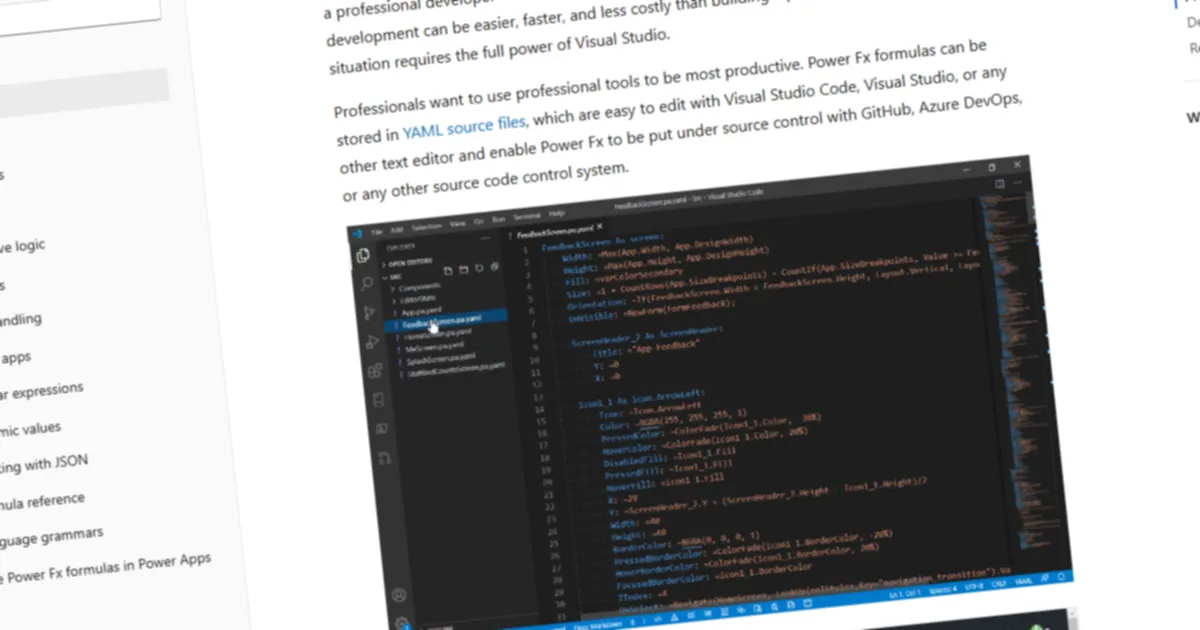
And there’s the Power Apps Test Engine, currently in preview. Tests are written in YAML with Power Fx assertions. That means makers can understand them without diving into DOM selectors or browser automation frameworks.
It’s not for every team yet. But it shows where the platform is going.
#10 Clean Code Still Matters
And finally, the simplest rule. Name things properly.
btnSubmitRequest is clear.
Button3 is not.
The same goes for flows and flow actions. Instead of: Send an email (V2) Rename it to Notify requestor of approval decision
And while you are at it don’t forget to also:
- delete unused screens
- remove disabled flows
- clean up variables
These small things make a solution welcoming for the next person who opens it.
Why This Matters
If you take one thing from this article or from the session at ECS, let it be this: Start small.
Maybe your next publish will:
- rename a few controls
- extract a child flow
- move validation into Dataverse
- or split one giant formula into smaller pieces
And that’s enough, maintainability doesn’t come from big refactoring efforts. It comes from small decisions, repeated consistently. And if the ECS event showed anything, it’s that the Power Platform community is getting very serious about building things that don’t just ship fast! They want to build things that last. And that’s a great direction for the future of low‑code development.
Albert-Jan Schot
CTO, Microsoft MVP & FastTrack Recognized Solution Architect
I am Albert-Jan Schot, CTO at Blis Digital, Microsoft MVP, and FastTrack Recognized Solution Architect focused on Microsoft 365, Azure, and AI agents. I help teams turn complex Microsoft Cloud challenges into practical architecture decisions and shipped outcomes.
Zuid Holland, Netherlands